01
Follow the money
See gross sales, reductions, settlement, reserve activity, and recorded payout in one signed trail.
Free local tool for TikTok Shop sellers
Drop in the settlement workbook and get a plain-English trail through refunds, fees, adjustments, reserves, and the payout recorded in the export.
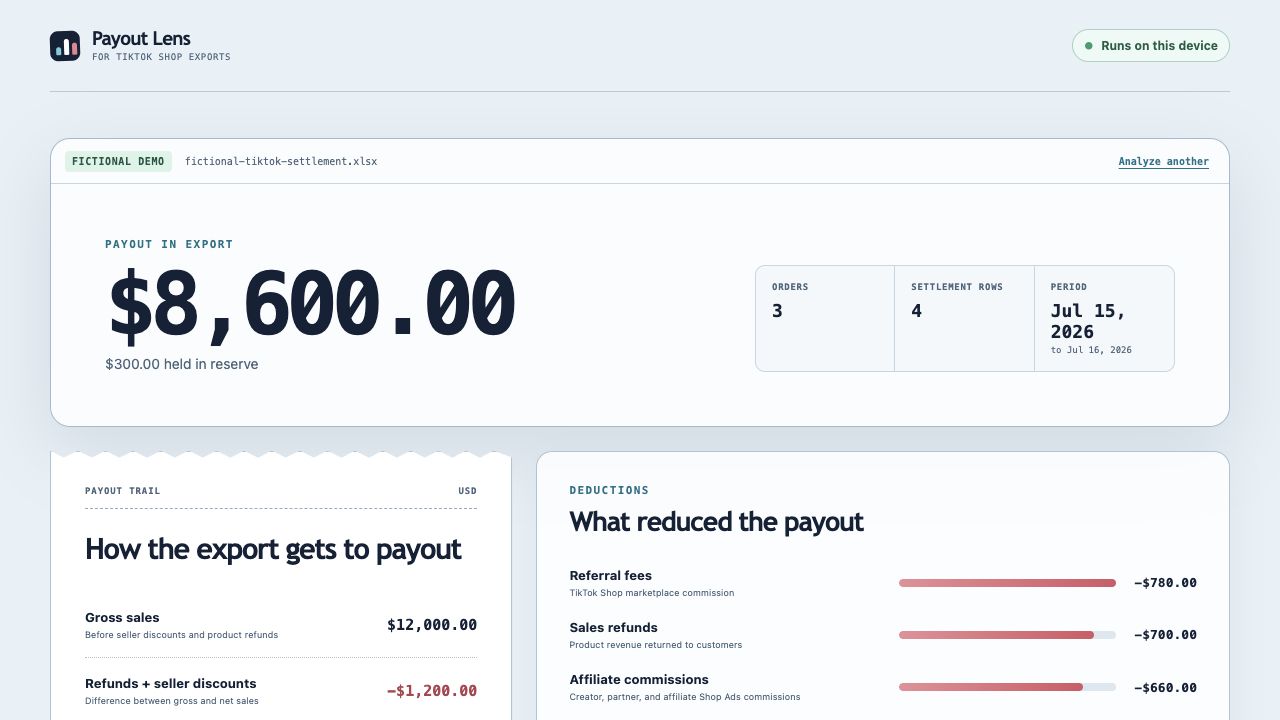
One ugly export, one readable trail
Payout Lens keeps the signs intact, shows the arithmetic, and separates a useful review prompt from a claim that a charge was wrong.
Try it with fictional dataPayout trail
Fictional settlement export
What it gives you
01
See gross sales, reductions, settlement, reserve activity, and recorded payout in one signed trail.
02
Group the export's largest deductions instead of scanning hundreds of workbook cells by hand.
03
Get row references for negative adjustments, missing reasons, unpaid items, and math differences.
Not supported: CSV, PDF, legacy .xls, Orders reports, and Sales reports.
Three clicks to the reveal
Launch it in your browser or save the single HTML file anywhere on your computer.
See the complete payout reveal immediately without using real seller data.
Use a TikTok Shop settlement .xlsx that contains the Order details tab. Processing stays on your device.
Screenshot guide included
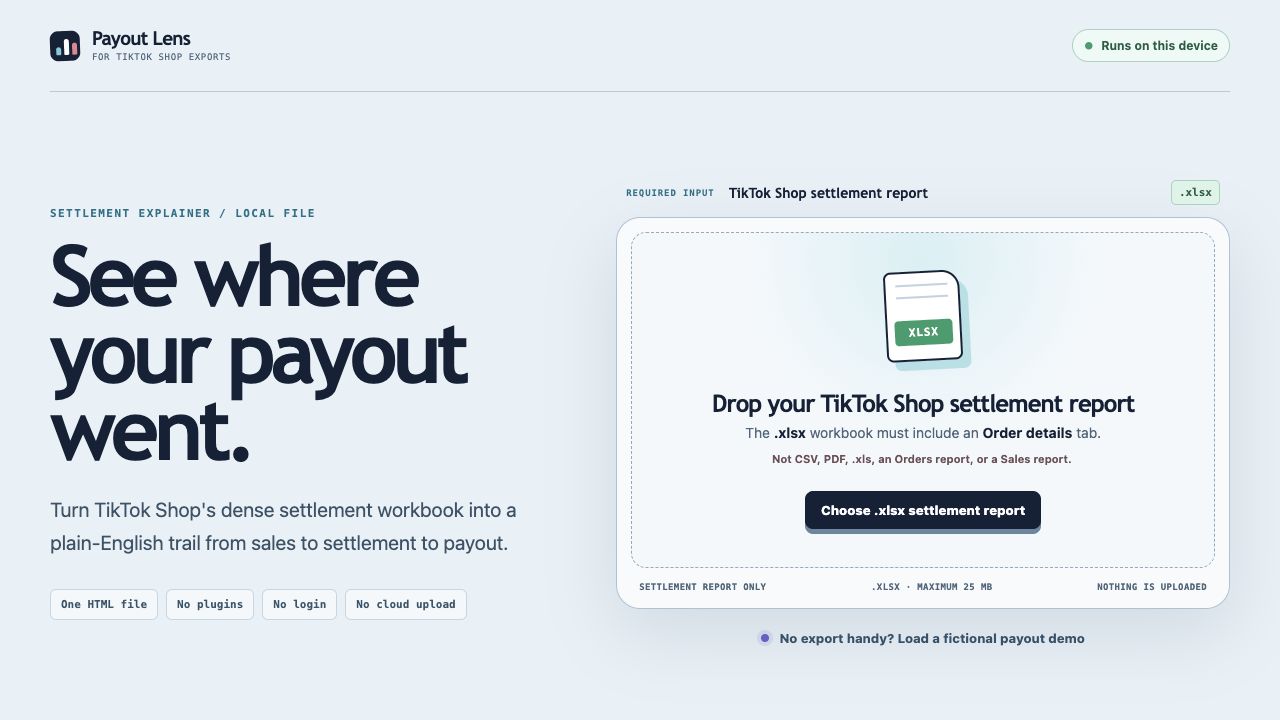
Screen 01
The opening screen names the accepted file and tab before you choose anything.
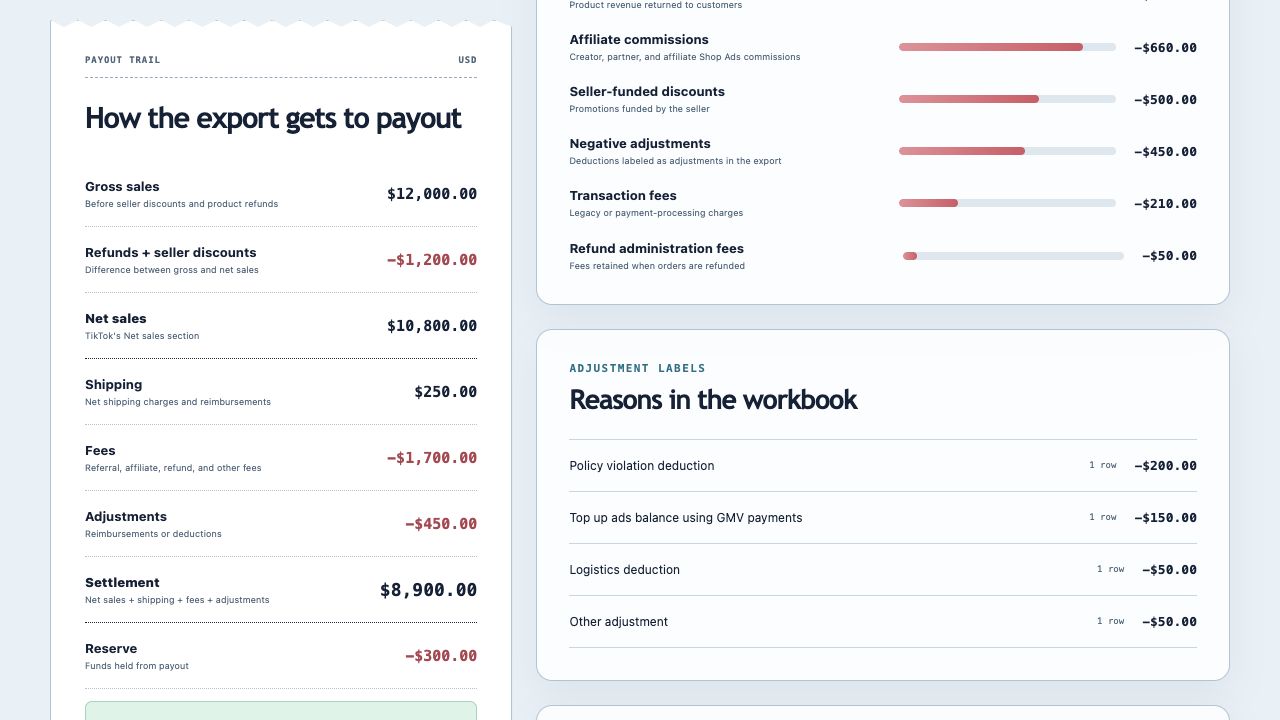
Screen 02
Signed amounts show what the export says added to or reduced the payout.
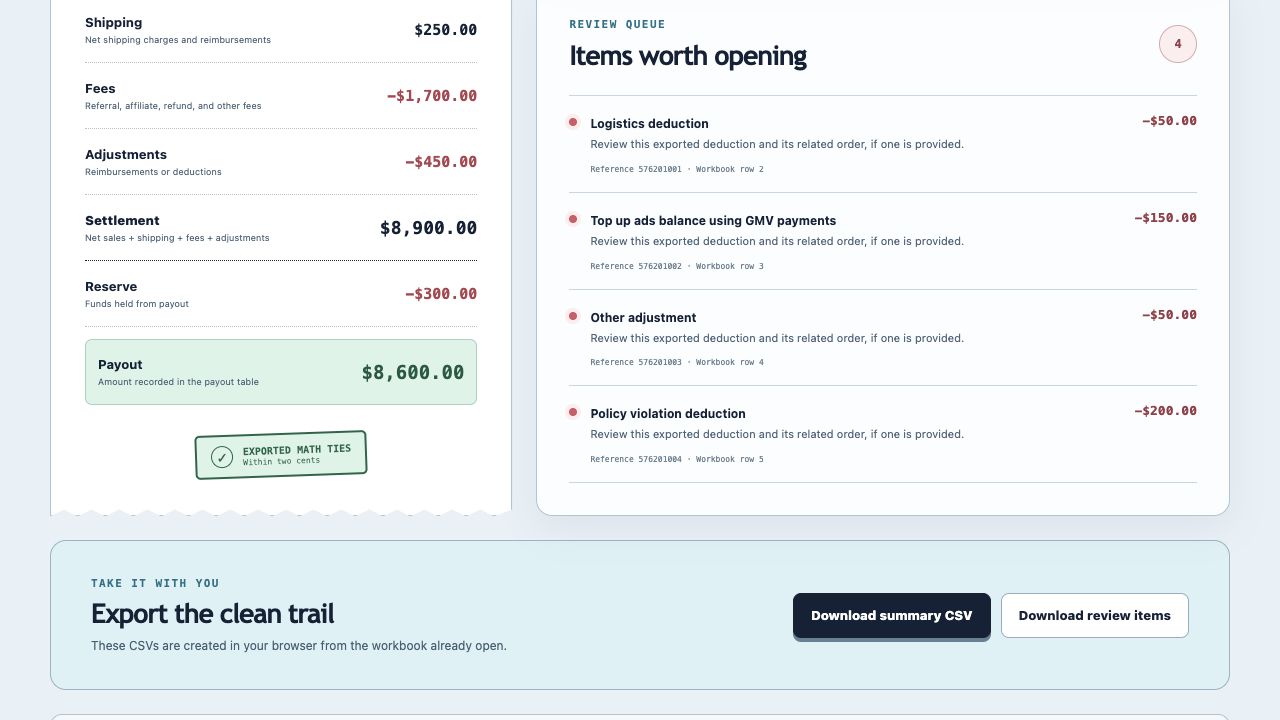
Screen 03
Export a payout summary and the exact workbook rows worth checking in Seller Center.
Local by design
The HTML file contains the interface and workbook parser. There is no account, server, analytics call, API key, or upload step.
Runs locally
Browser processing
No login
Nothing to connect
Inspectable
One HTML file
Honest boundary
Need your own version?
If your team has a workbook, report, or handoff everyone keeps translating by hand, Sonny Automation can map the logic and package the useful part.
Map my workflowFree to use and keep